

Data Privacy
With cyber threats constantly evolving, it’s essential to stay informed and proactive about protecting your data. This page is dedicated to raising awareness about the importance of data privacy and how you can integrate it into your daily online activities. Given our increasingly digital methods of data collection, safeguarding your personal information online is more crucial than ever.
At home, work, school, and all the places in between, we use computers, phones, and many other smart devices that collect data about us. Information about our behavior, health, habits, and preferences, as well as sensitive data like Social Security numbers, credit card info, and driver's license numbers are collected and stored by companies who have repeatedly shown a lack of interest in protecting that data. The advancement of AI has created many new areas where user data is at risk . Information services has useful information about using AI resources and data privacy.
The need for informing users about data privacy is so important that in 2022, the National Cybersecurity Alliance expanded Data Privacy Day (January 28th) to a full week. The goal of Data Privacy Week is to promote awareness about the importance of data privacy and security and encourage all of us to take a proactive effort in keeping our data secure.
Having a week each year dedicated to data privacy is a good start, but managing our data is something we all need to do every single day. To help make things easier, the National Cybersecurity Alliance has a page with direct links to the privacy settings for major apps and platforms so you can see what data companies track, what information about you they have, and request it be removed.
Remember, your data is valuable-- taking the time to protect it is well worth the effort. Your information will thank you! You can learn more about the university's Privacy Policy, and how the University of Oregon is committed to protecting personal information.
Be sure to check out the Data Privacy Playlist and Activities below!
Data Privacy Playlist
To make data privacy more enjoyable, check out the Data Privacy Playlist!
Data Privacy Activities

No. 1 - Email scavenger hunt!
Go to your oldest email account and search for the following items to see what you find.
- Last 4 digits of your social security number
- Current password
- Old passwords
- Tax(es)
- Name of your Bank or Investment company AND has an attachment
Were you surprised by the results? Now try it in all your email accounts and see what you can find!
Email accounts are a treasure trove of information for hackers, such as banking and tax info, social security numbers, and even usernames and passwords. If someone gains access to your account, not only will they be able to search for sensitive information stored in your inbox, they will also be able to reset the passwords for many other accounts registered to that email address. One thing that can make it harder for hackers to access your other accounts is multifactor authentication or MFA. (See activity No. 5 for more on MFA.)
No. 2 - Activate your UO 1Password
UO employees who activate their University of Oregon employee 1Password account get a free family account that includes access for up to five people!
Students who activate their 1Password individual account using the UO code will get a license that lasts for four years, even if they graduate, transfer, or are no longer a student!
No. 3 - Check your email address breach status
You can check HaveIBeenPwned to see if any of your email addresses have been included in past data breaches, and you can sign up to be notified if they are found in any future breaches.
No. 4 - Change Your Password!
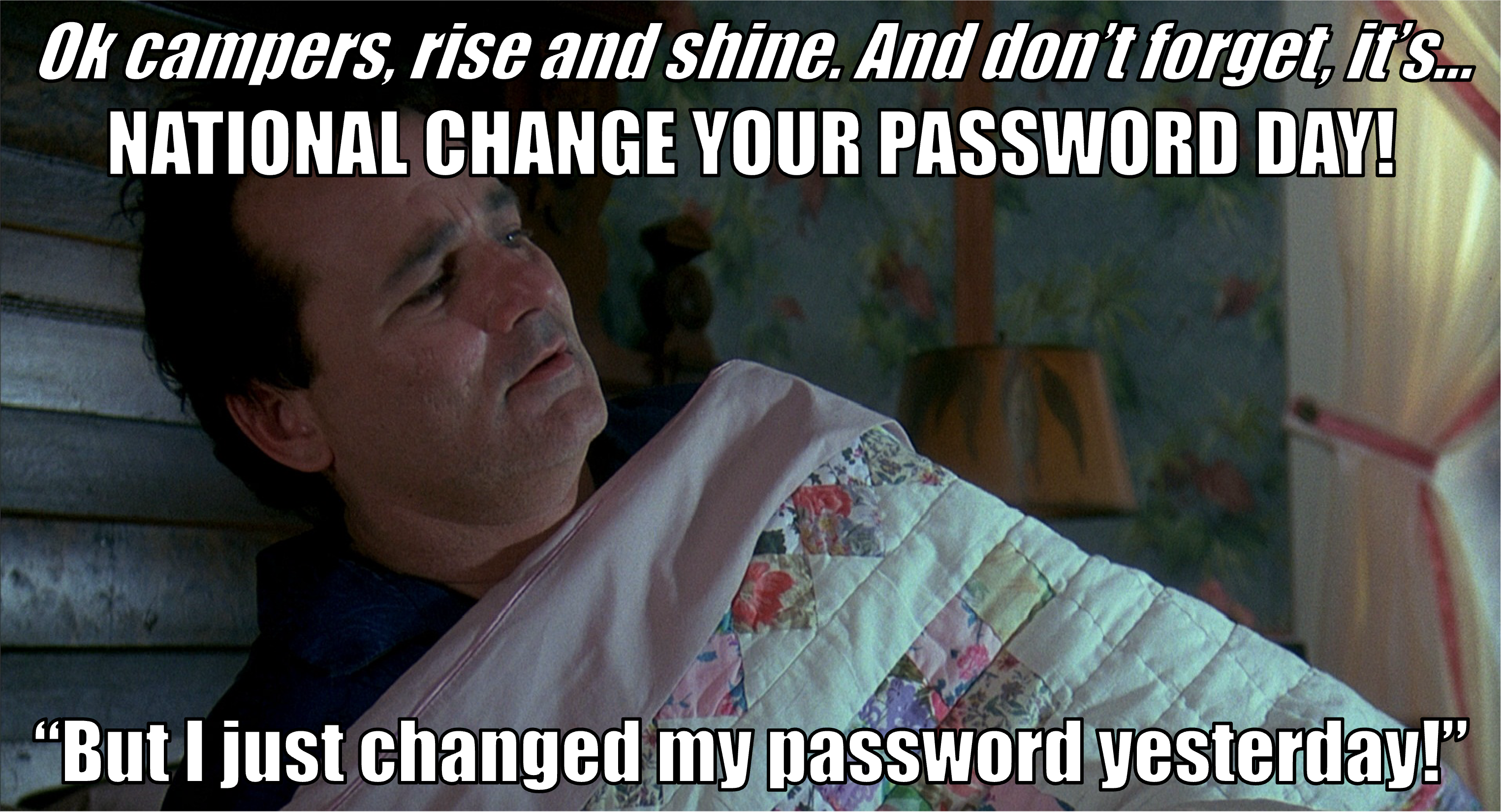
February 1st is National Change Your Password Day, which is suspiciously close to Groundhog Day on February 2nd. So, one habit you could develop is using Groundhog Day (or any other obscure holiday of your choosing) as a memory peg to remind yourself to review and update your passwords. To keep from getting overwhelmed, start by thinking of just one password (we mean one password, not 1Password), that fit any or all of the following criteria:
- It is the same password you used when cell phones only made phone calls
- It is shorter than 14 characters
- It was the default password that came with the device like "admin"
- It's a password you've used before, but with an extra exclamation point for each time you've been forced to "update" it
After you've picked your preferred problematic password, change it. Make it something long (at least 14 characters) and complex. Consider using a passphrase or letting 1Password create a password or passphrase for you. (For more on 1Password, see Activity No. 2 above.)
Just be sure to not use any of the most common passwords!
No. 5 - Turn on Multifactor Authentication for (at least) one account
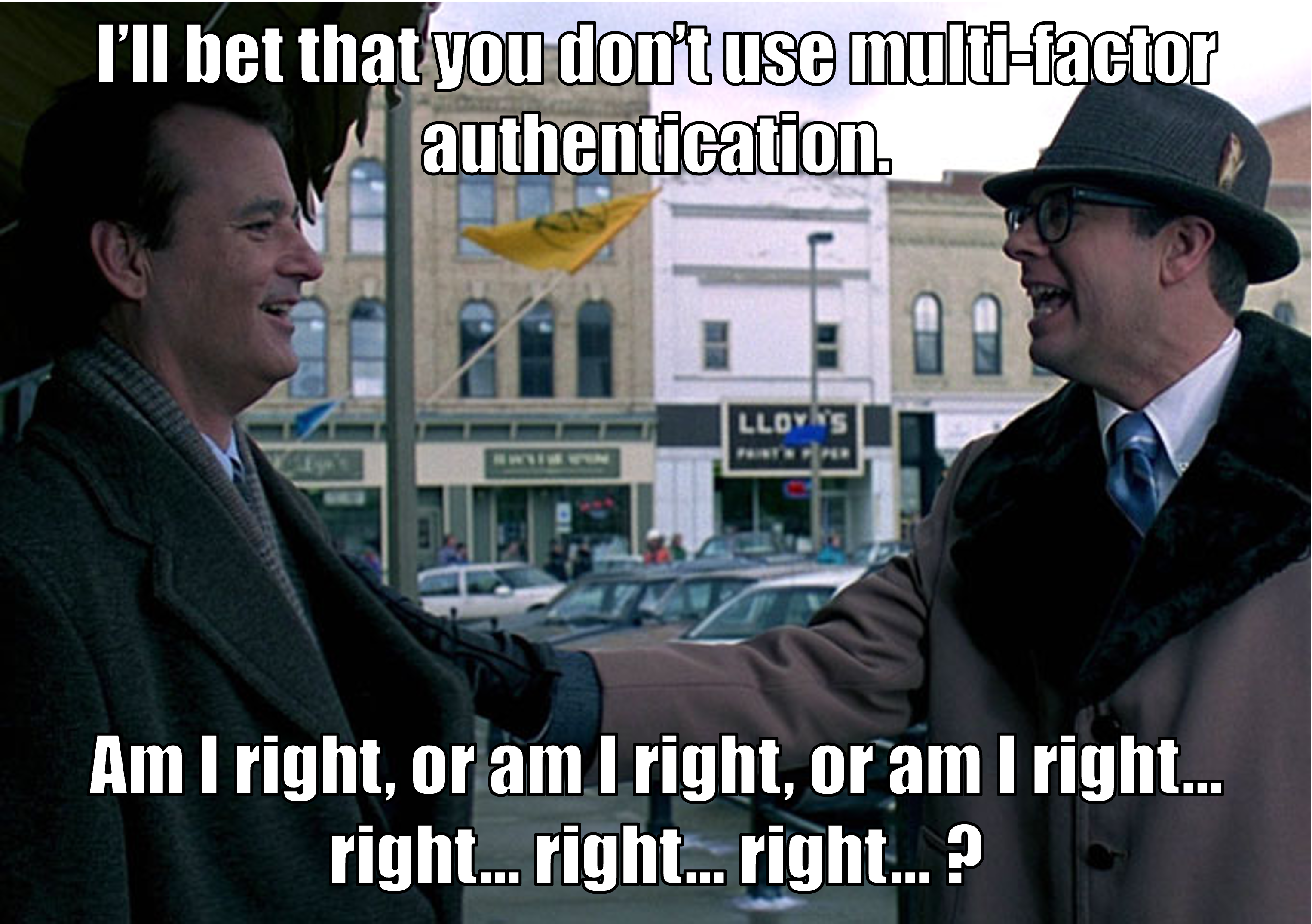
If you are going to change your password anyway, you might as well update your security settings and turn on Multifactor Authentication (MFA). You can register more than one device, so you will still have access if you lose your main device. Since most companies allow you to click the "Forgot my password" link and they send you a password reset email, your email account is one of the first that you should protect with MFA.
To make it easier for you we've included links below for setting up MFA.